01
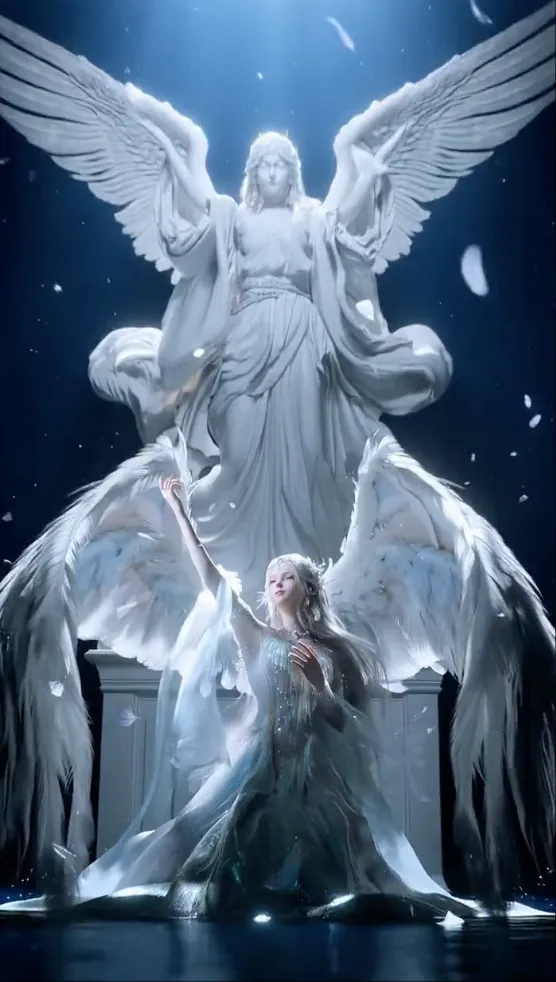
Marble angel performance
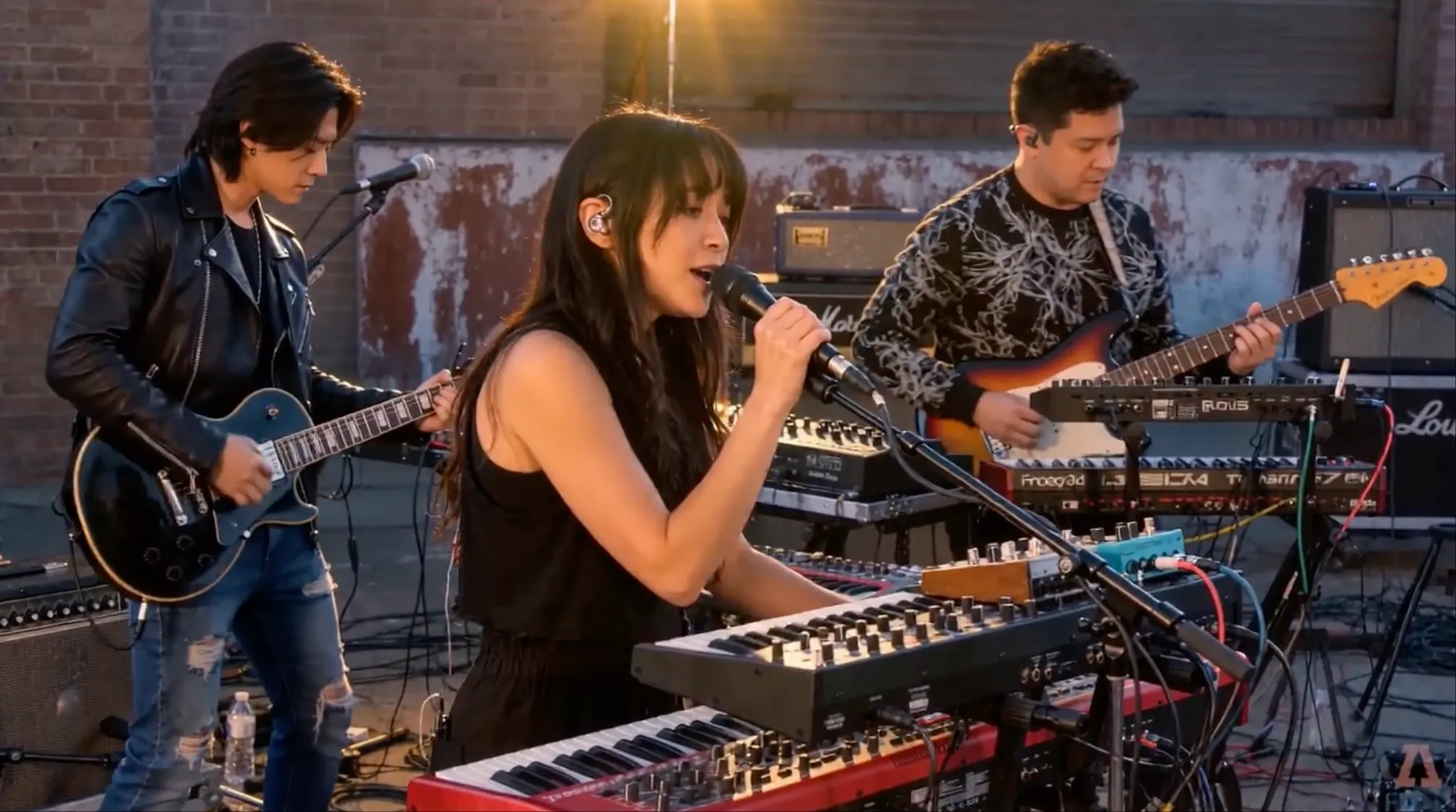
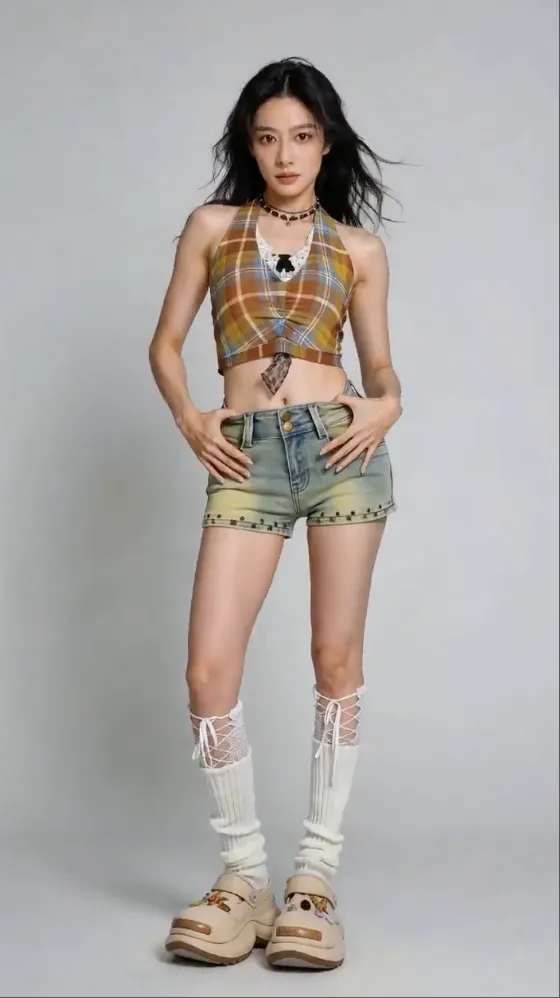
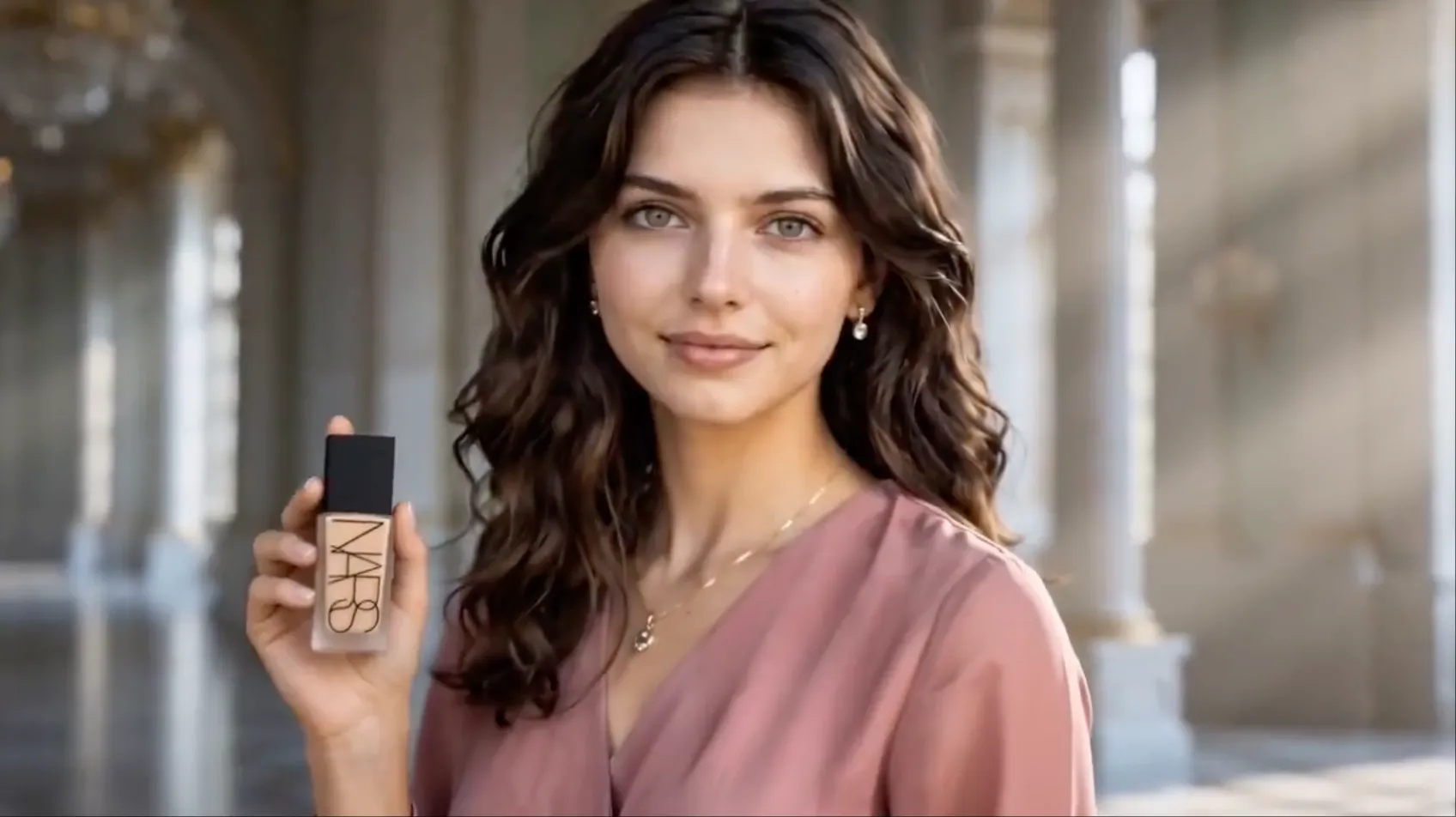
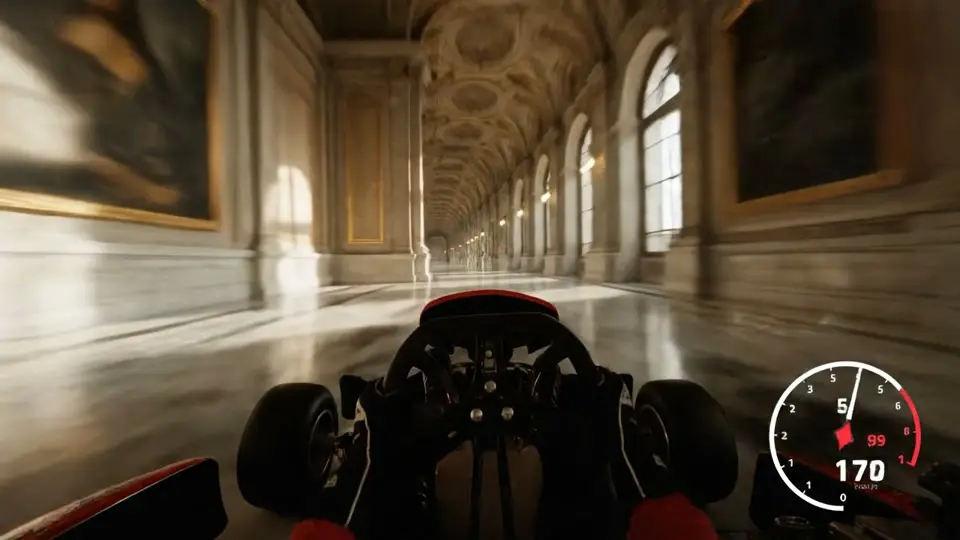
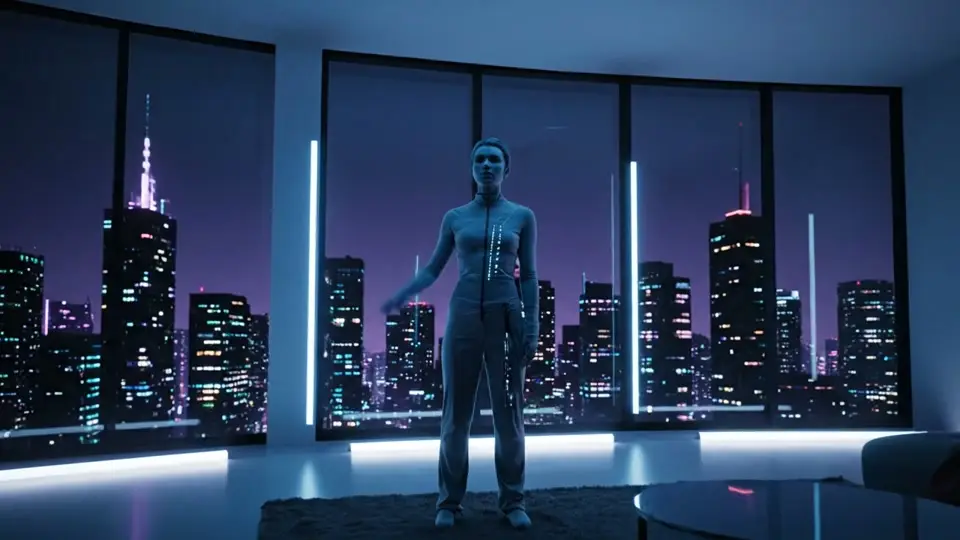
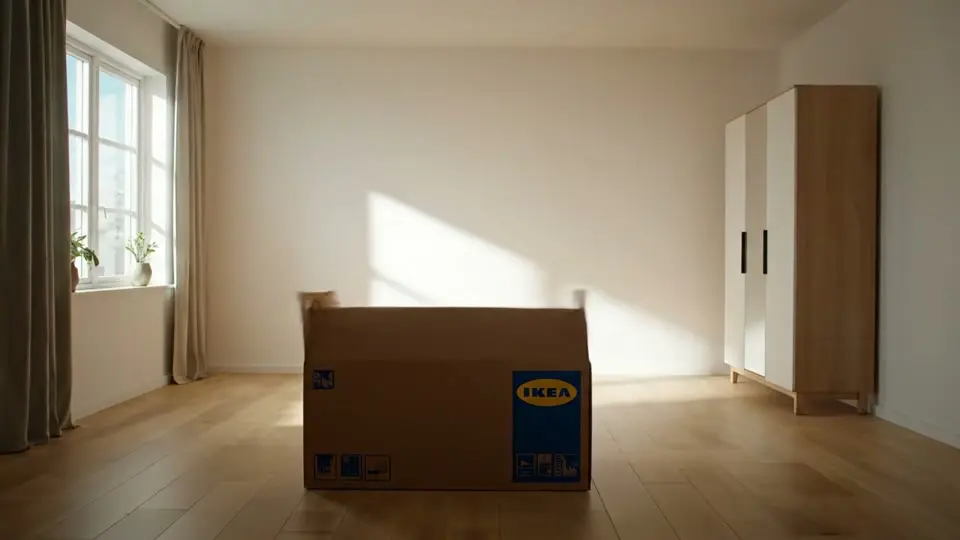
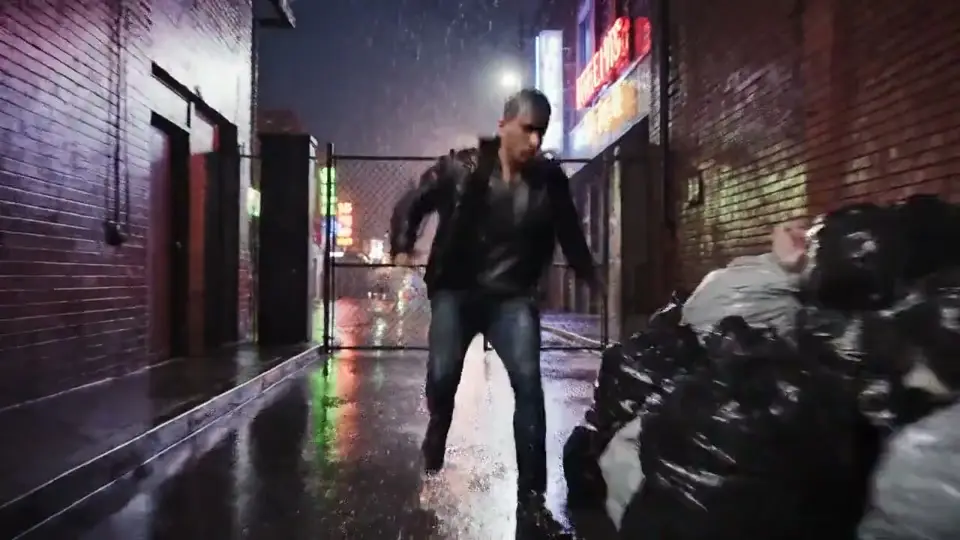
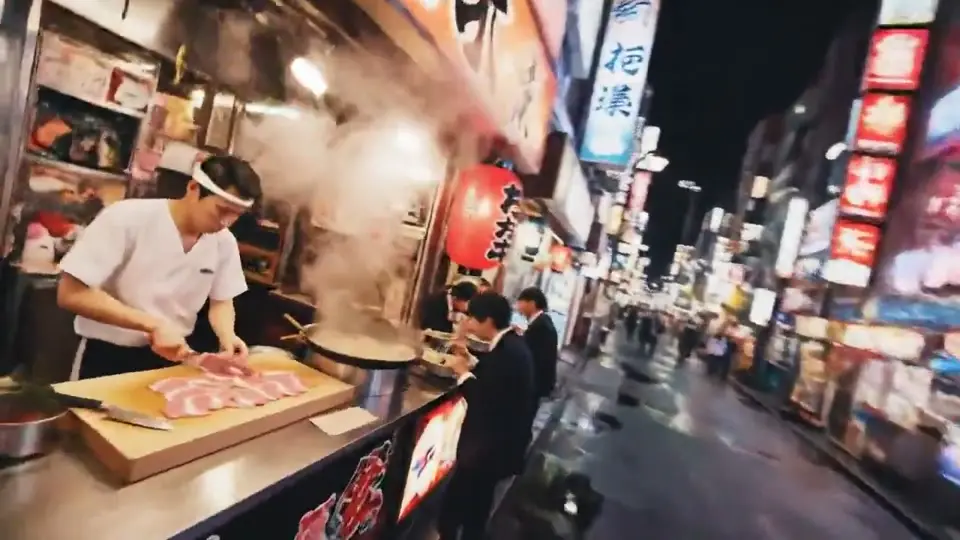
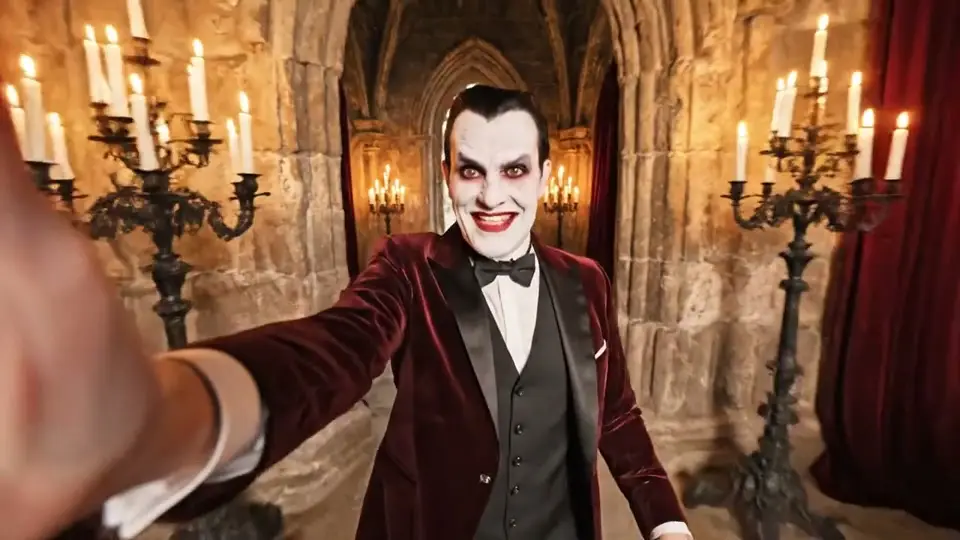
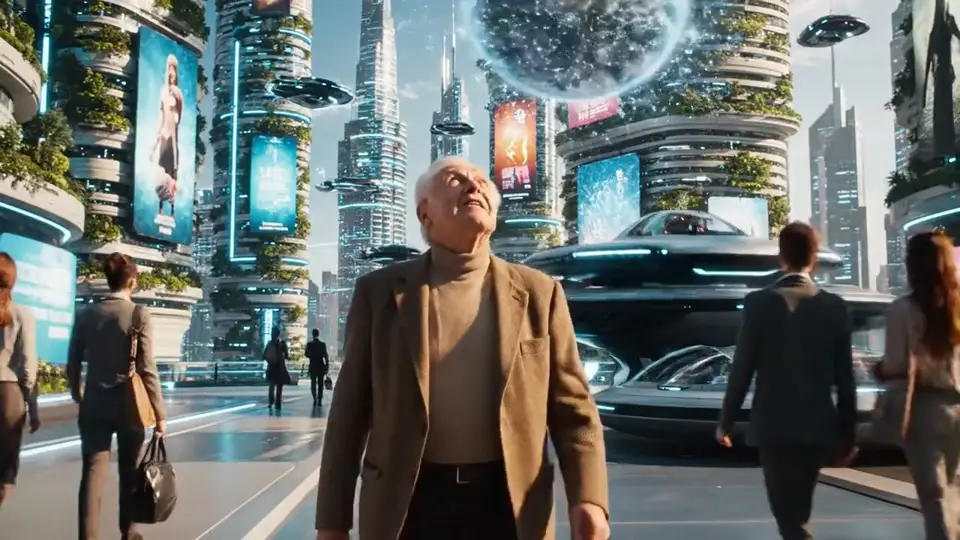
A studio wall of Seedance output. Clips play as you scroll. Unmute any shot, or send a prompt back to the generator above.
Marble angel performance
Golden-hour rooftop band
Editorial fashion motion
Beauty product close-up
Luxury skincare macro
Atmosphere plate
Lifestyle motion
Editorial loop
Story beat
Camera move study
Reference-guided motion
Scene composition
High-resolution output
Choose the input that matches your shot, then control duration, format, resolution, and audio before you generate.
Describe the subject, action, camera movement, lighting, and mood in a natural-language prompt.
Set the opening frame, optionally add an ending frame, and direct how the shot should move between them.
Guide a generation with up to 9 reference images for subjects, visual direction, and composition.
Turn audio generation on or off for the shot; when enabled, the model creates sound with the video.
Set any whole-second duration from 4 to 15 seconds to match the pace of your concept.
Create landscape, portrait, square, classic, vertical, or ultrawide video for different publishing formats.
The workspace exposes the controls this Seedance 2.0 integration actually supports, so the input and estimated credit cost are clear before generation.
Reviews from people using the workspace for reference-guided shots, first-and-last-frame animation, and synced-audio delivery.
Creator rating
Across 2,400+ in-app reviews
Would recommend
Pro and Studio subscribers
“We dropped in a reference clip of a dancer and Seedance 2.0 carried the choreography onto a character we had designed that morning. The motion held from shot to shot — no retiming, no cleanup pass before the edit.”
Sarah Chen
Motion Designer
“Prompt in, fifteen seconds of finished video out with the audio already in sync. Our campaign turnaround went from three weeks to two days.”
Marcus Rodriguez
Marketing Director
“Character consistency is what sold me. Same face, same jacket, same logo across nine shots — Seedance 2.0 doesn't drift halfway through a series.”
Emily Watson
Short-form Creator
“First-and-last-frame animation is how we block out cinematics now. I hand it two keyframes from the art team and get a usable 1080p pass back in minutes.”
David Kim
Game Cinematics Lead
Generation cost varies by model, clip length, and resolution. Review the estimate before you create.
Save 50% with annual billing
≈ $19.50/month · billed yearly
For individuals getting started
Supported Seedance models
≈ $39.50/month · billed yearly
For creators who need more power
Supported Seedance models
≈ $74.50/month · billed yearly
Unlimited creative power
Supported Seedance models
Secure checkout · encrypted payments
| Compare plans | Basic $19.50/mo 400 credits / mo | Pro $39.50/mo 1,000 credits / mo | Max $74.50/mo 2,300 credits / mo |
|---|---|---|---|
| Usage | |||
| Credits | 400 | 1,000 | 2,300 |
| Seedance videos / monthest. 480p · 4s | ~25 | ~62 | ~143 |
| Models & output | |||
| Seedance 2 / 2.5 / 2 Fast / 2 Mini | |||
| All AI models | — | ||
| Max video resolution | Up to 1080p | Up to 1080p | Up to 1080p |
| Support & access | |||
| Priority queue | — | ||
| Support | Dedicated | ||
Can't find what you're looking for? Contact our support team
Seedance 2.0 is ByteDance's multimodal audio-video generation model. This website is an independent creation workspace that provides access to Seedance workflows; it is not ByteDance's official website.
You can create from a text prompt, animate a first frame with an optional last frame, or guide a video with up to 9 reference images. Frame inputs and reference-image mode are separate workflows.
Seedance 2.0 supports 4–15 second clips, 480p, 720p, and 1080p output, plus 16:9, 9:16, 1:1, 4:3, 3:4, and 21:9 aspect ratios. Seedance 2 Fast currently supports 480p and 720p.
Yes. The workspace includes a Generate Audio control. When enabled, Seedance 2.0 requests synchronized audio as part of the video generation; you can also turn it off for a silent result.
Seedance 2.0 and Seedance 2 Fast require a paid subscription on this website. New accounts receive credits that can be used with available free models, while Seedance access begins with a paid plan.
Reference images give the model visual context for the subject, style, or composition. Results still vary by prompt and source material, so important shots may require iteration.
The required credits depend on the selected Seedance model, duration, and resolution. The generator shows an estimate before submission, and the server validates the final charge.
Can't find what you're looking for? Contact our support team
Start with text, first and last frames, or image references. Set the length, format, resolution, and audio, then review the credit estimate before generating.